Creating free website with WordPress
WordPress is one of the world’s most popular Content Management Systems (CMS). It is an open-source CMS that allows individuals, businesses, and developers to easily build and manage websites. It provides a user-friendly interface, built-in tools, customizable themes, and plugins that expand functionality — making it powerful for both beginners and professionals.

Note– A CMS is software that helps users create, manage, and publish digital content — usually without needing to write code.
Steps of Creating Free Website
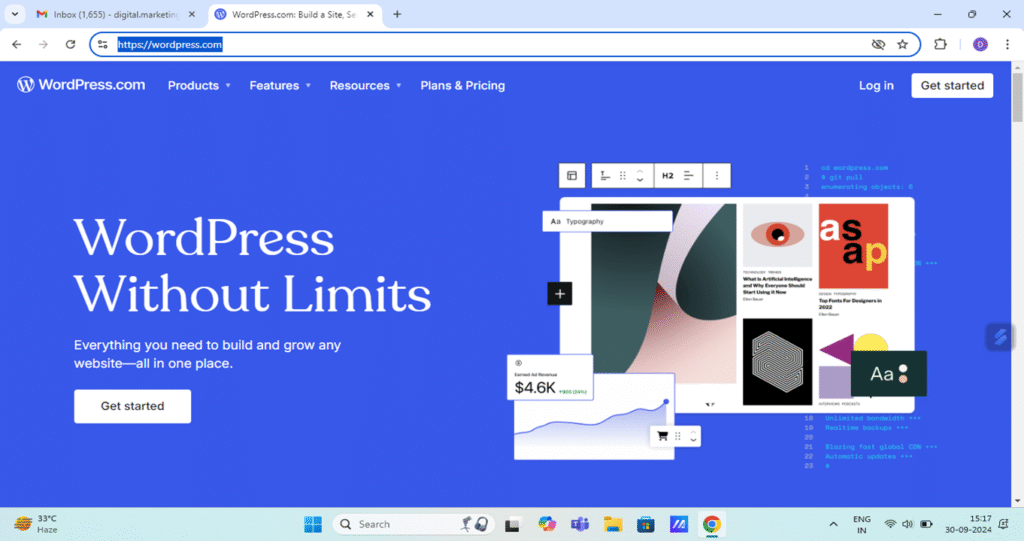
STEP-1 Open https://wordpress.com/ and click Get Started. Login with a mail ID.
After signing up, WordPress will take you to the setup page.
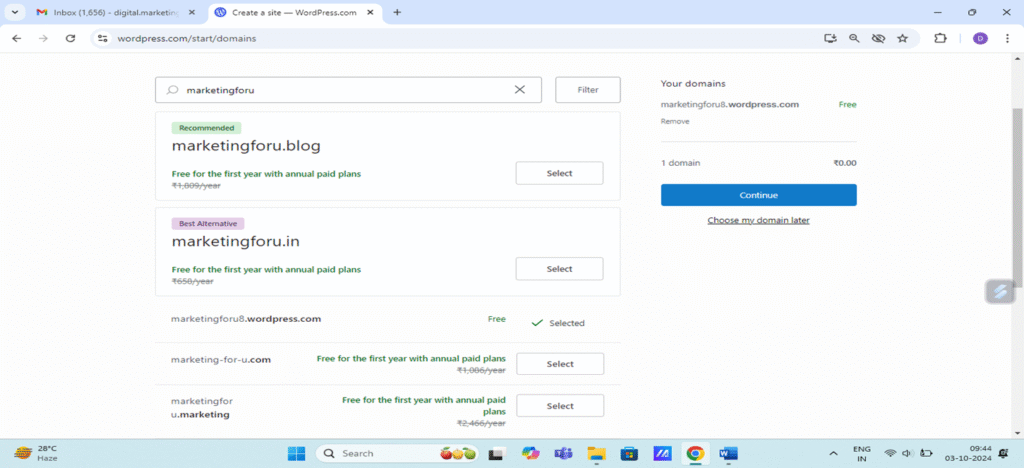
Step-2 Choose your domain and payment plan
Enter the domain name. Click free version and then click continue. Free version of website will be of this form – www.marketingforu8.wordpress.com. Free site will come with .wordpress.com at the end.
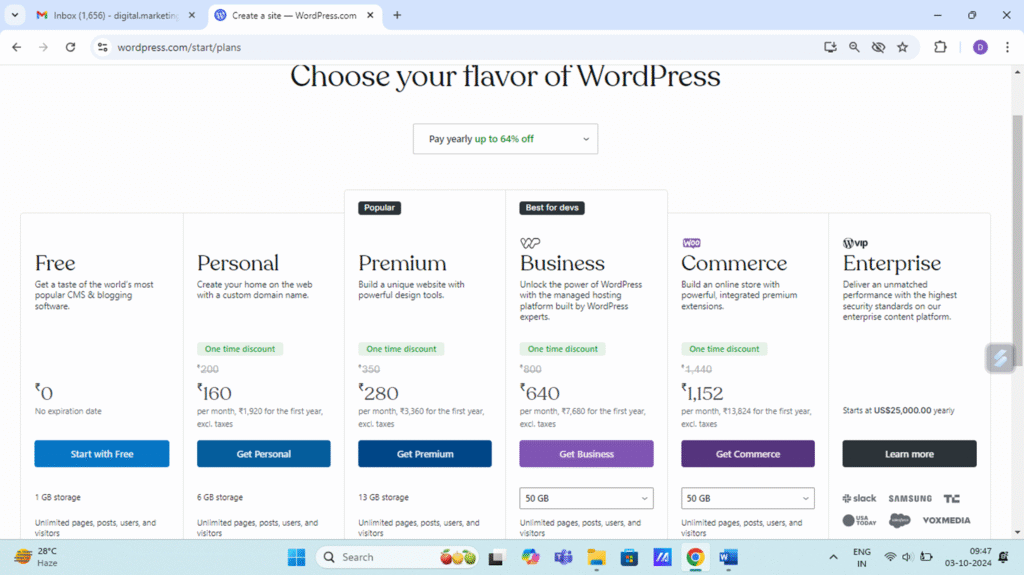
Click free plan.
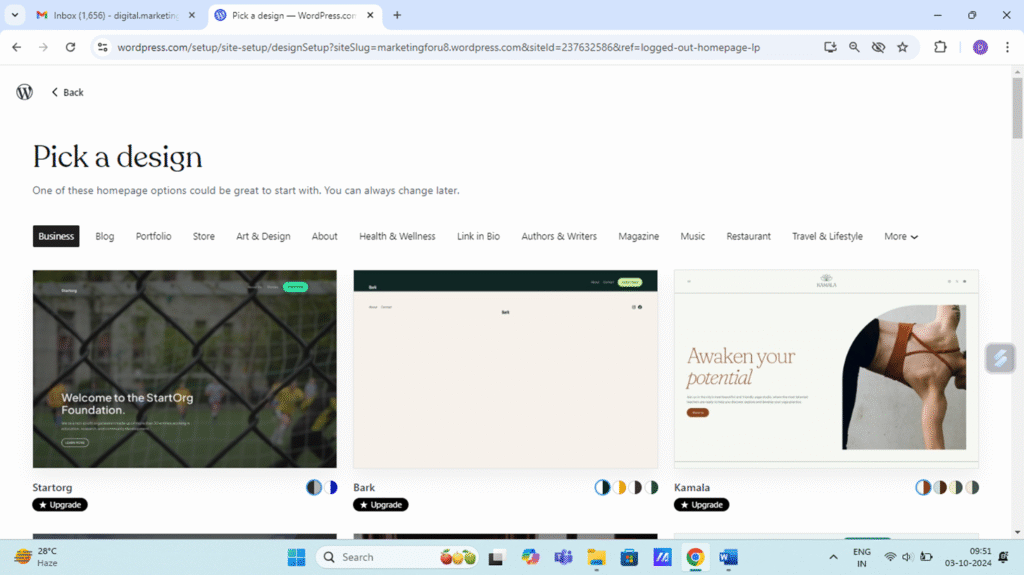
Step 4. Pick a design/theme
WordPress offers many free themes. Select one that fits your website style (blog, business, portfolio). You can always change it later!. WordPress themes are template files that control the appearance and design of a website, including its layout, color scheme, and typography. They can be free or paid, and users can install, activate, and switch between themes from the WordPress dashboard’s “Appearance” menu.
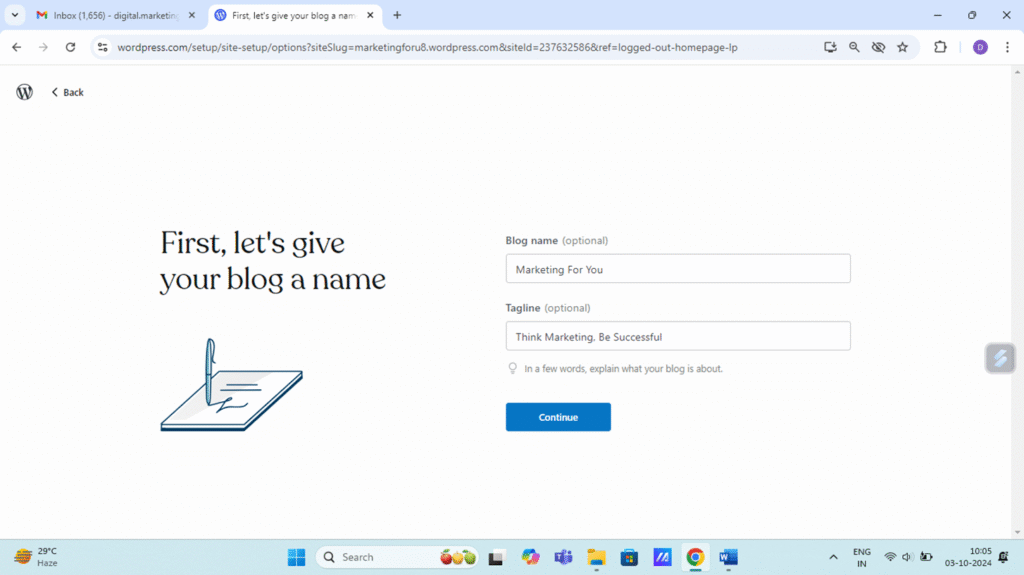
Step 5. Give your website/blog name and tagline and Continue
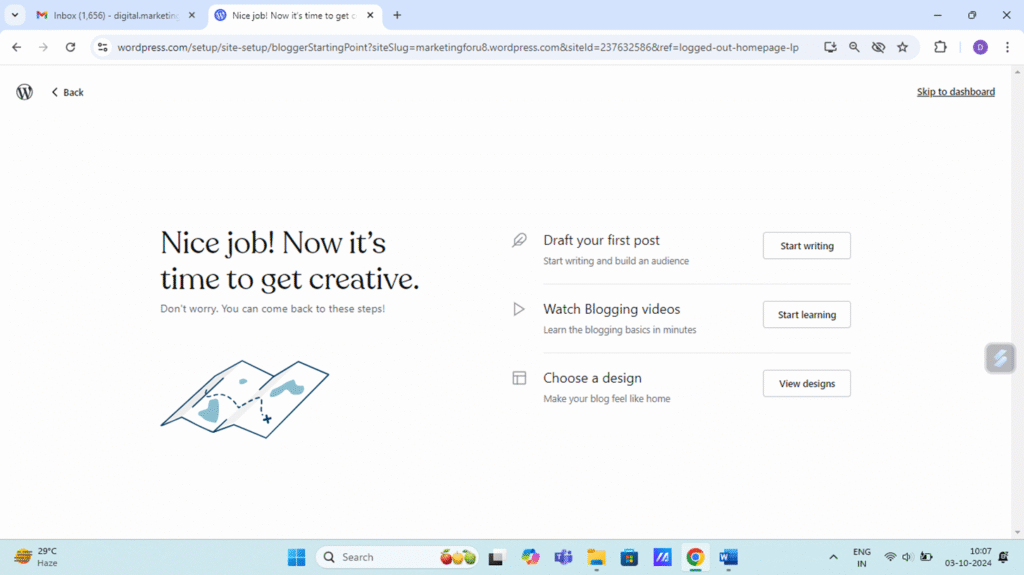
Step 6. Either draft your first post OR skip to dashboard
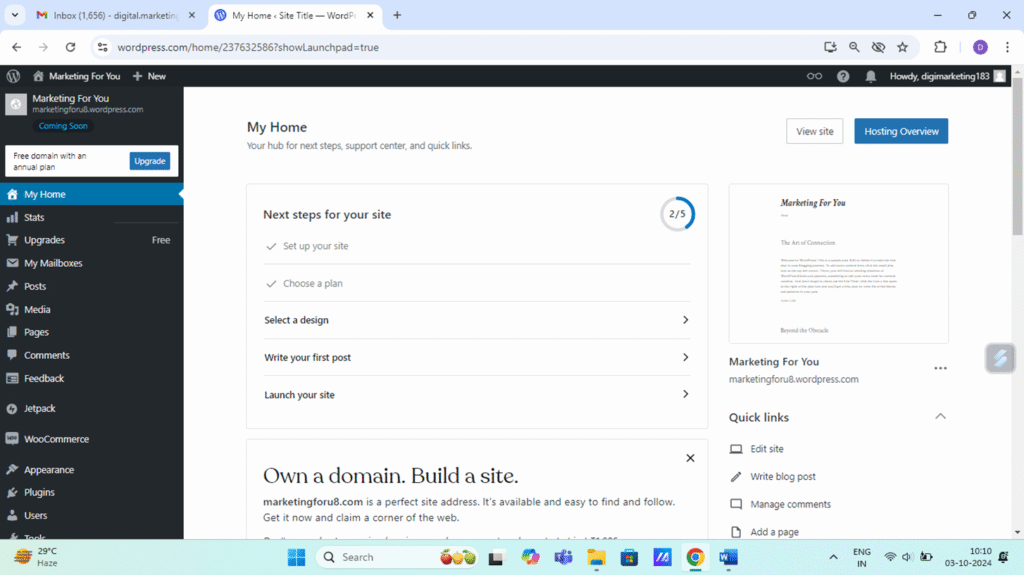
Step 7. Visit your dashboard
Step 8. Write your first blog post and publish
Go to Posts → Add New.
Add text, images, videos, etc.
Click Publish

Click WordPress to know more